


Want a festival greeting, a product mockup, or a blog banner without hiring a designer or learning complex software? The ChatGPT AI image generator lets you describe what you want in plain language and get a finished picture in under a minute. For students, freelancers, bloggers and small business owners across India, that can save real time and money.
This guide explains what the tool is, how to use it step by step, and how to write prompts that give better results. It also covers practical use cases, free versus paid access, common mistakes, and responsible use. Features and limits change often, so check the in-app details for the latest.
What Is the ChatGPT AI Image Generator?
The ChatGPT AI image generator is the image-creation capability built into ChatGPT, OpenAI’s conversational AI assistant. Instead of using a separate design app, you type a description such as “a watercolor-style illustration of a Jaipur street market at sunrise” and ChatGPT produces an image that matches it. Because it lives inside a chat, you can also ask follow-up questions, request changes, or upload your own picture to edit.
Earlier versions of ChatGPT relied on a separate model called DALL·E. OpenAI has since moved image creation into the same conversational experience, so the tool understands context from your chat. If you mention your brand colors earlier in the conversation, it can reuse them in later images. That makes the process feel like briefing a designer rather than filling out a form.
Key Features Worth Knowing
Conversational Refinement
The biggest advantage is that you do not have to get the prompt perfect the first time. You can say “make the background lighter,” “add a diya on the left,” or “change the style to flat vector,” and ChatGPT adjusts the image while keeping the overall idea. This back-and-forth is faster than rewriting a long prompt from scratch.
Better Text Inside Images
AI image tools historically struggled with readable text. Current ChatGPT image generation handles short text such as headlines, labels and signs much better, though it is not flawless. For anything where spelling matters, such as a price tag or event name, always zoom in and proofread before using the image publicly.
Editing Your Own Images
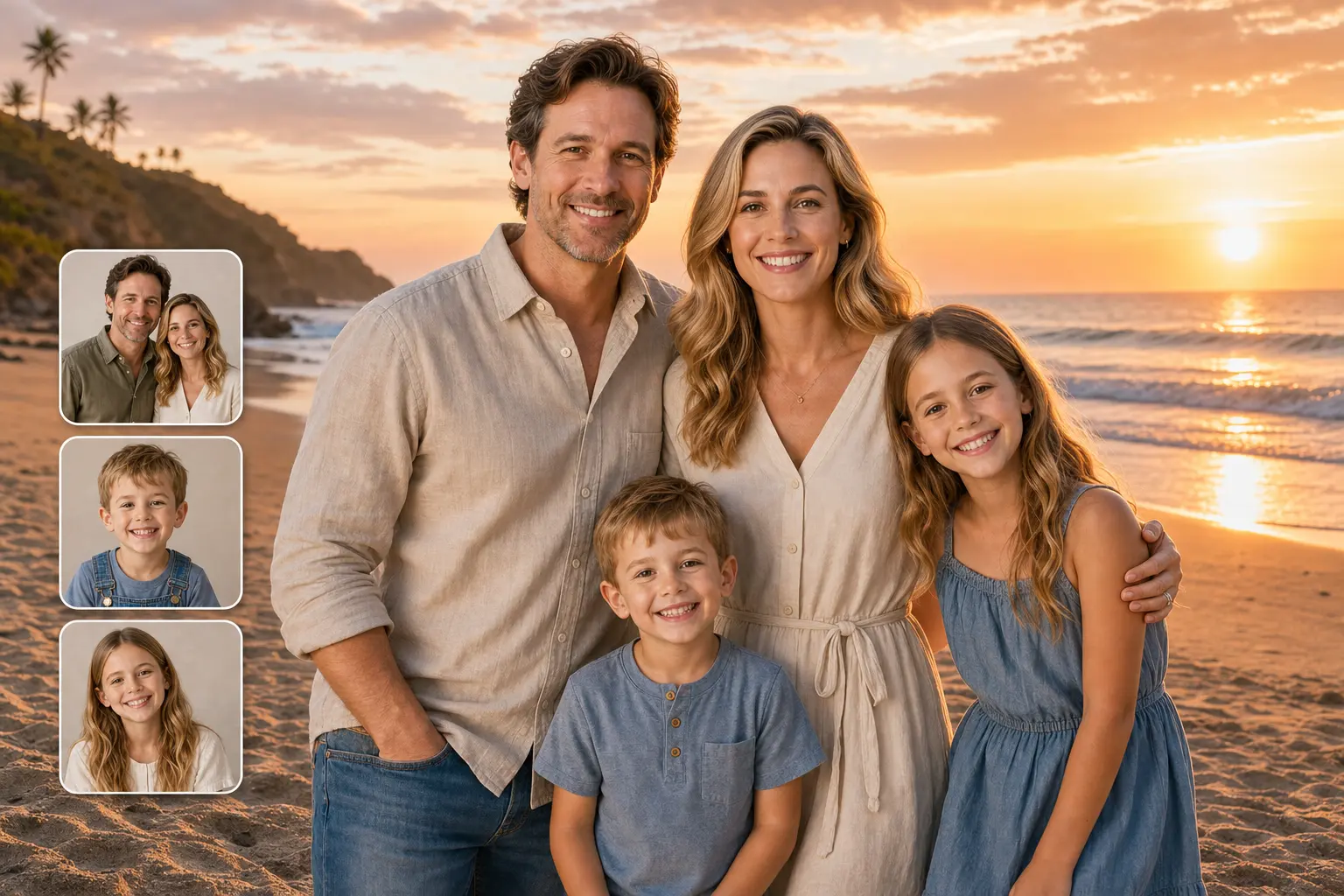
You can upload a photo and ask for changes: removing a cluttered background, shifting the mood to golden hour, or turning a product photo into a stylized illustration. This is useful for small sellers who photograph products on a phone and want a cleaner look without professional editing skills.
Multiple Styles and Formats
The tool can produce photorealistic scenes, cartoons, icons, infographics, sketches, 3D-style renders and more. You can also mention a preferred shape, such as square for Instagram posts or wide for blog headers, though exact output sizes and options may vary by version.
How to Use the ChatGPT AI Image Generator: Step by Step
- Open ChatGPT. Use the website or the mobile app and sign in to your account.
- Start a new chat. A fresh conversation keeps your instructions clean and avoids confusion from earlier topics.
- Describe your image. Write what you want to see, or simply ask it to create an image of your idea. Include the subject, style, mood and setting.
- Review the result. Check composition, colors, any text, and details such as hands, faces and objects.
- Refine with follow-ups. Ask for specific, single changes at a time, such as “make the sky more orange.”
- Download and check. Save the final image, proofread any text, and confirm it suits your intended platform.
If you ever see a message that you have reached your image limit, the tool may let you continue after a waiting period or on a paid plan, depending on the current rules.
How to Write Prompts That Work
A reliable prompt answers five questions: what is the subject, what is the style, what is the setting, what mood or lighting should it have, and where will it be used. Vague prompts like “a nice office” produce generic results. Specific prompts produce images you can actually use.
Compare these two:
- Weak: “A coffee shop poster.”
- Stronger: “A vertical poster for a small Pune coffee shop, warm cream and brown palette, hand-drawn illustration style, a steaming filter coffee in a steel tumbler, with the headline ‘Morning Brew’ in bold lettering, cozy and inviting mood.”
The second version tells ChatGPT the format, colors, style, subject, text and feeling. You do not need long prompts every time, but you do need clear ones. A good habit is to keep a note on your phone with prompts that worked, then reuse and tweak them.
Practical Uses for Indian Users
The tool is flexible, so the best uses depend on your work. Here are some realistic examples.
| User | Practical Use |
|---|---|
| Bloggers and content creators | Featured images, section illustrations, social media thumbnails |
| Small business owners | Festival offers, product mockups, simple logo concepts to discuss with a designer |
| Students and teachers | Concept diagrams, presentation visuals, project illustrations |
| Marketers | Ad creative ideas, campaign mood boards, A/B test variations |
| Freelancers | Quick client concept drafts before final design work |
For example, a home baker in Jaipur could generate several Diwali gift box concepts in different color schemes and ask followers which they prefer before ordering packaging. A teacher could create a clear illustration of the water cycle for a classroom slide. In both cases the AI handles the first draft and a human makes the final judgment.
Many Indian users also want images with local flavor: regional clothing, festivals, architecture or food. Be specific here. Instead of “Indian wedding,” describe the region, setting and style you want. Specificity helps avoid stereotypical or inaccurate depictions, and you should always review results for cultural accuracy.
Free vs Paid Access
ChatGPT has offered a free tier with usage limits and paid plans with higher limits and more features. Plan names, prices and image allowances have changed several times and can differ by country, so check the pricing page inside the app before deciding. Do not assume that what you read in an older article still applies.
A sensible approach is to begin with the free option, see how often you actually need images, and upgrade only if you regularly hit limits or need faster, more frequent generation. Casual users who need a few images a week may never need a paid plan. Professionals producing content daily may find the extra capacity worthwhile.
How It Compares with Other AI Image Tools
ChatGPT is not the only option. Midjourney is popular for highly artistic visuals, Adobe Firefly integrates with Adobe’s design software, and Google’s Gemini and Canva’s built-in AI tools are also widely used. Each has strengths.
ChatGPT’s main advantages are ease of use and conversation: you describe, adjust and explain in everyday language. Tools built around design workflows may suit you better if you already live inside Canva or Adobe products. The best choice depends on your budget, the style you need, and how much control you want. It is worth testing the same prompt in two tools and comparing results.
Common Mistakes and How to Fix Them
| Mistake | Why It Hurts | Fix |
|---|---|---|
| Writing vague prompts | Results look generic | Add style, setting, mood and purpose |
| Changing everything at once | The image drifts from what you liked | Request one change per follow-up |
| Not proofreading text | Spelling errors slip through | Zoom in and check every word |
| Ignoring hands and small details | Distortions can appear | Regenerate or crop the problem area |
| Using images without checking terms | Possible licensing or policy issues | Read OpenAI’s current usage terms |
| Expecting exact brand logos | AI may alter or invent details | Add real logos manually in a design tool |
Using AI Images Responsibly
AI-generated images are powerful, so use them thoughtfully. Avoid creating misleading images of real people, fake news visuals, or anything that could deceive or harm someone. If you publish AI-generated images on a blog or social page, consider telling readers they are AI-assisted, since transparency builds trust.
For commercial use, read OpenAI’s current terms to understand what you can do with the output, and avoid prompts that copy a living artist’s distinctive style or a company’s protected brand assets. If you need legal certainty for a business project, consult a qualified professional. Finally, remember that AI is best treated as a creative assistant, not a replacement for your own judgment and originality.
Frequently Asked Questions
1. Is the ChatGPT AI image generator free to use?
ChatGPT has offered limited image generation on its free tier, with higher limits on paid plans. Availability and limits change, so check the current details in the app.
2. Can I use ChatGPT-generated images commercially?
OpenAI’s terms generally address ownership and use of outputs, but terms can change. Read the latest terms before using images in paid work, and avoid copyrighted characters or brand assets.
3. Can ChatGPT edit my own photos?
Yes, you can upload an image and ask for changes such as background cleanup, style changes or added elements. Results vary, so review the output carefully.
4. Why does the text in my image have spelling mistakes?
Text rendering has improved but still isn’t perfect. Keep text short, ask ChatGPT to correct specific words, or add final text in a design app like Canva.
5. Do I need prompt-writing skills?
No special skills are needed. Start with a simple description, then refine it through follow-up messages. Adding style, setting and mood quickly improves results.
Conclusion
The ChatGPT AI image generator makes visual creation accessible to anyone who can describe an idea. Clear prompts, small step-by-step refinements and careful proofreading give you the best results, whether you are building blog graphics, small business creatives or classroom visuals. Keep an eye on current limits and terms, use the tool responsibly, and treat each image as a first draft that you shape with your own taste. Try one simple prompt today and see how far a few well-chosen words can take you.